JAMB 2026 UTME Registration: Step-by-Step Guide for Candidates (Full Requirements & Process)
The Joint Admissions and Matriculation Board (JAMB) has released the official guidelines for the 2026 Unified Tertiary Matriculation Examination (UTME). To help candidates avoid mistakes, this step-by-step guide explains everything you need to know from creating your profile to completing your registration at an accredited CBT centre.
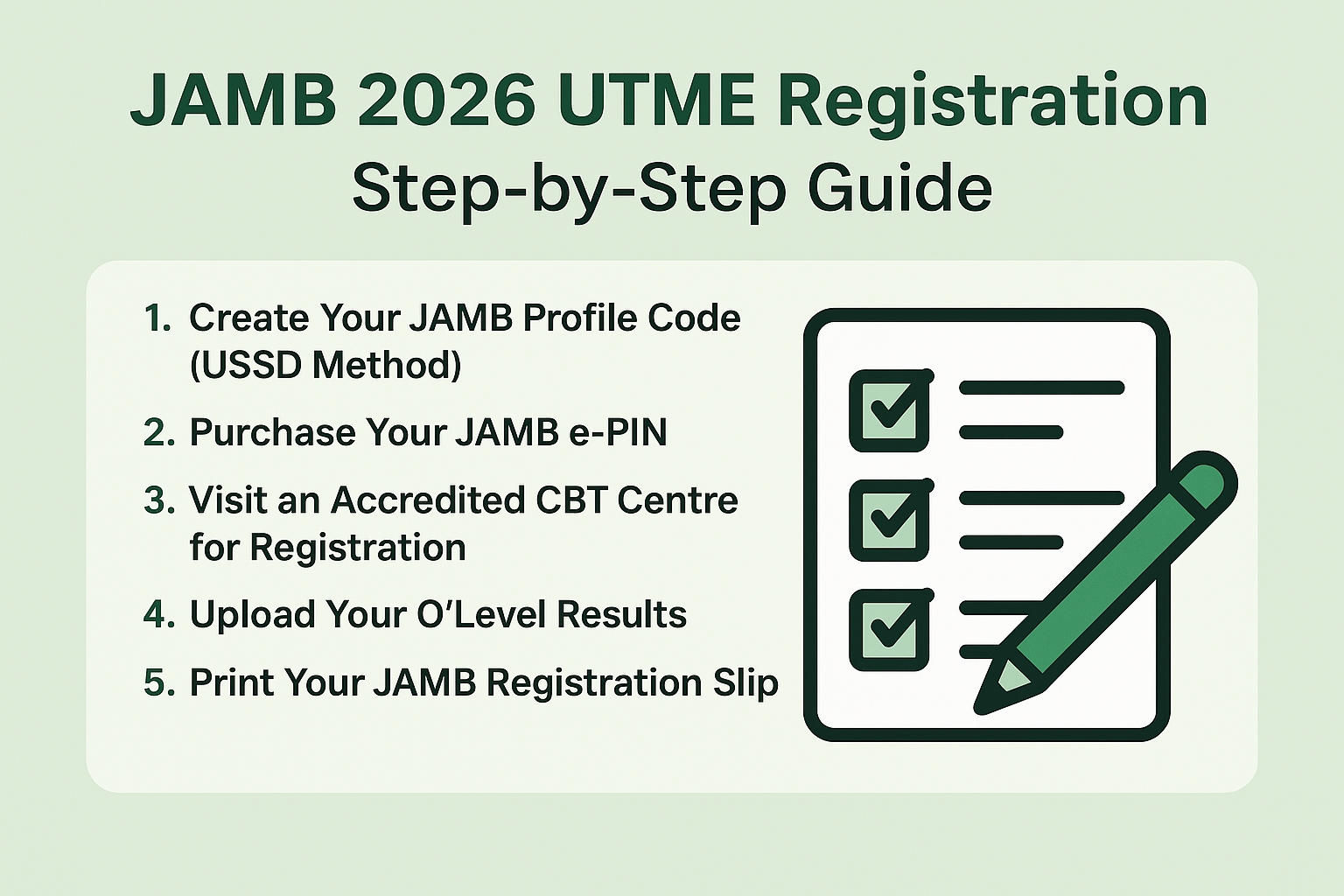
1. Create Your JAMB Profile Code (USSD Method)
Every candidate must have a Profile Code before registration.
How to Get Your Profile Code
1. Use the phone number you will keep throughout the admission process.
2. Send this SMS:
NIN [your 11-digit NIN]
Example:
NIN 12345678901
3. Send it to 55019 or 66019.
4. You will receive a 10-digit Profile Code.
Important:
- Do not use the same phone number for more than one candidate.
- Make sure your NIN details match the name you want to use for JAMB.
2. Purchase Your JAMB e-PIN
- After receiving your Profile Code, the next step is buying the e-PIN.
- Where to Buy JAMB e-PIN
You can buy the e-PIN through:
- Banks (UBA, Zenith, Access, First Bank, etc.)
- Mobile Money Agents
- Remita or Paystack
- Accredited CBT Centres
- ATM outlets
How to Buy
- Provide your Profile Code at the payment point.
- Once payment is completed, your JAMB e-PIN will be sent to your phone.
3. Visit an Accredited CBT Centre for Registration
Registration must be completed physically at an approved JAMB CBT centre.
- Documents & Items to Take Along
- Your Profile Code
- JAMB e-PIN
- NIN
- O’level results (WAEC, NECO, NABTEB) or “Awaiting Result”
- A valid email address
What Happens at the Centre
1. Profile verification
2. Capture of fingerprints and passport photograph
3. Biometrics enrolment
4. Choosing your exam town
5. Selecting your course and institution
6. Uploading of O’level results
7. Printing of registration slip
Review all information carefully before submitting.
4. Upload Your O’Level Results (If Not Available During Registration)
- Candidates using “Awaiting Result” must return to any CBT centre to upload their results once released.
- Failure to upload may affect admission chances.
5. Print Your JAMB Registration Slip
After completing registration, print your slip immediately. It contains:
- Your personal details
- Choice of institutions
- UTME subjects
- Exam town
- Keep the slip safe for reference.
6. Reprint Your UTME Exam Slip Before the Exam
A week before the exam, JAMB will activate the portal for Exam Slip Reprinting.
The slip will show:
- Date of exam
- Venue
- Time
You can reprint via:
- JAMB website
- Accredited CBT centres
7. Prepare for the UTME
Begin early preparation using:
- JAMB-approved textbooks
- Past questions
- JAMB’s CBT practice app
- Tutorials (optional)
Final Tips for a Successful JAMB 2026 Registration
- Use only your own NIN and phone number.
- Double-check your course and institution choices.
- Never register at unapproved centres.
- Keep copies of all receipts and slips.
- Avoid last-minute registration rush.