How to Open a Paystack Merchant Account in Nigeria
Paystack is one of Africa’s most trusted payment platforms, helping businesses receive online payments fast and securely. Whether you run an e-commerce store, sell digital products, or offer services, creating a Paystack Merchant Account allows you to accept card payments, bank transfers, USSD, and more.
This guide explains step-by-step how to open a Paystack Merchant Account, the requirements, verification process, and how to start receiving payments immediately.
What Is a Paystack Merchant Account?
A Paystack Merchant Account is a business account created on Paystack that allows individuals and companies to receive payments online. It comes with:
- A business dashboard
- API keys for website integration
- Payment pages
- Invoices
- Fraud protection
Transparent transaction tracking
It is ideal for entrepreneurs, small businesses, NGOs, freelancers, and large companies.
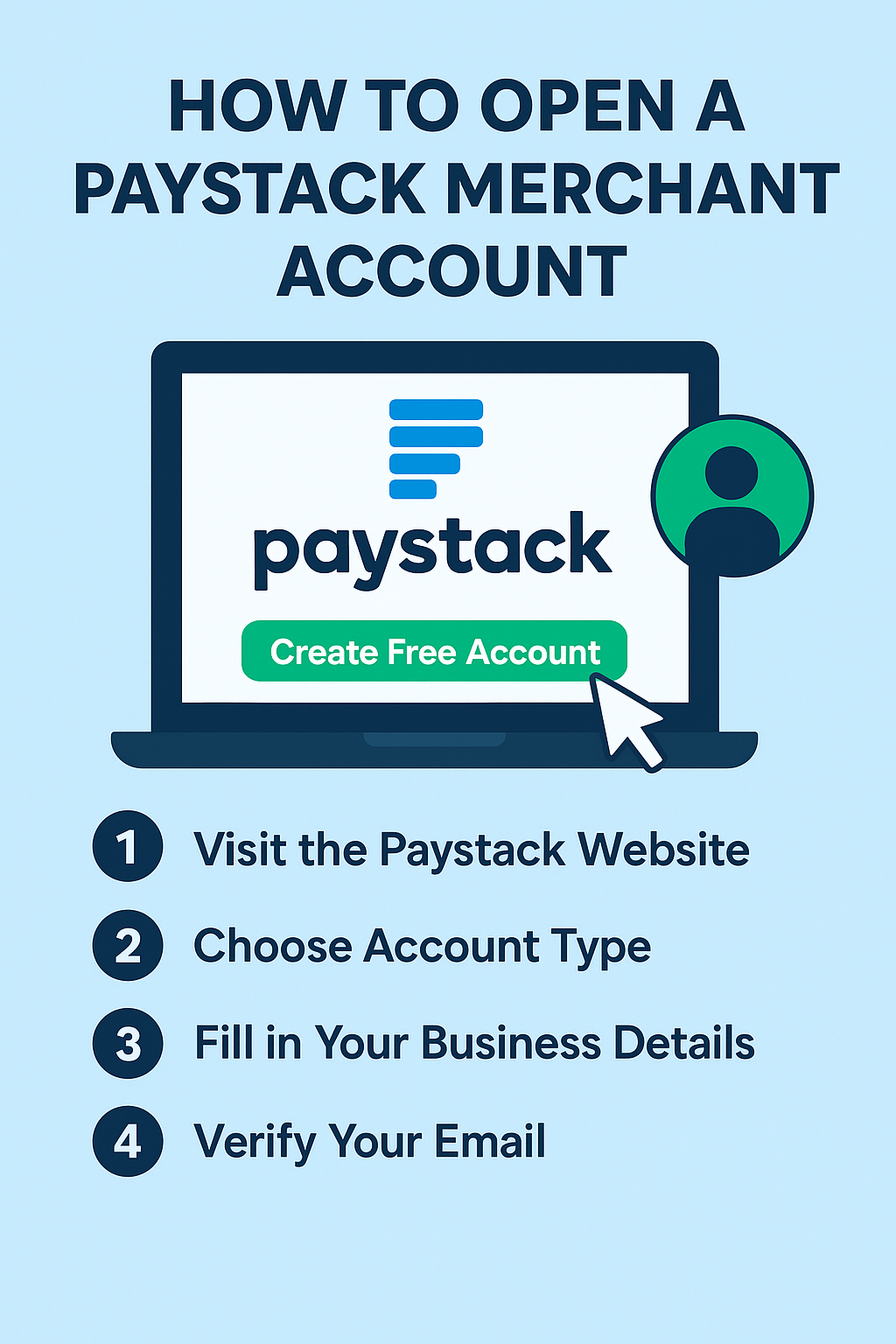
Step-by-Step: How to Open a Paystack Merchant Account
1. Visit the Paystack Website
- Go to www.paystack.com on your browser.
- Click “Create Free Account” or “Sign Up”.
2. Choose Account Type
Paystack offers two account types:
- Business Account (Merchant Account) – For businesses that want to receive customer payments.
- Starter/Individual Account – For personal collections or early-stage businesses.
- To accept payments professionally, select Business Account.
3. Fill in Your Business Information
You will be required to enter:
- Business name
- Business category (e-commerce, services, NGO, etc.)
- Phone number
- Email address
- Country (Nigeria)
Click Continue to proceed.
4. Verify Your Email Address
- Paystack will send a confirmation link to your email.
- Open the email and click the link to verify the account.
5. Add Your Bank Account Details
This is the bank account where Paystack will send your settlements.
Provide:
- Bank name
- Account number
- Paystack automatically displays your account name for confirmation.
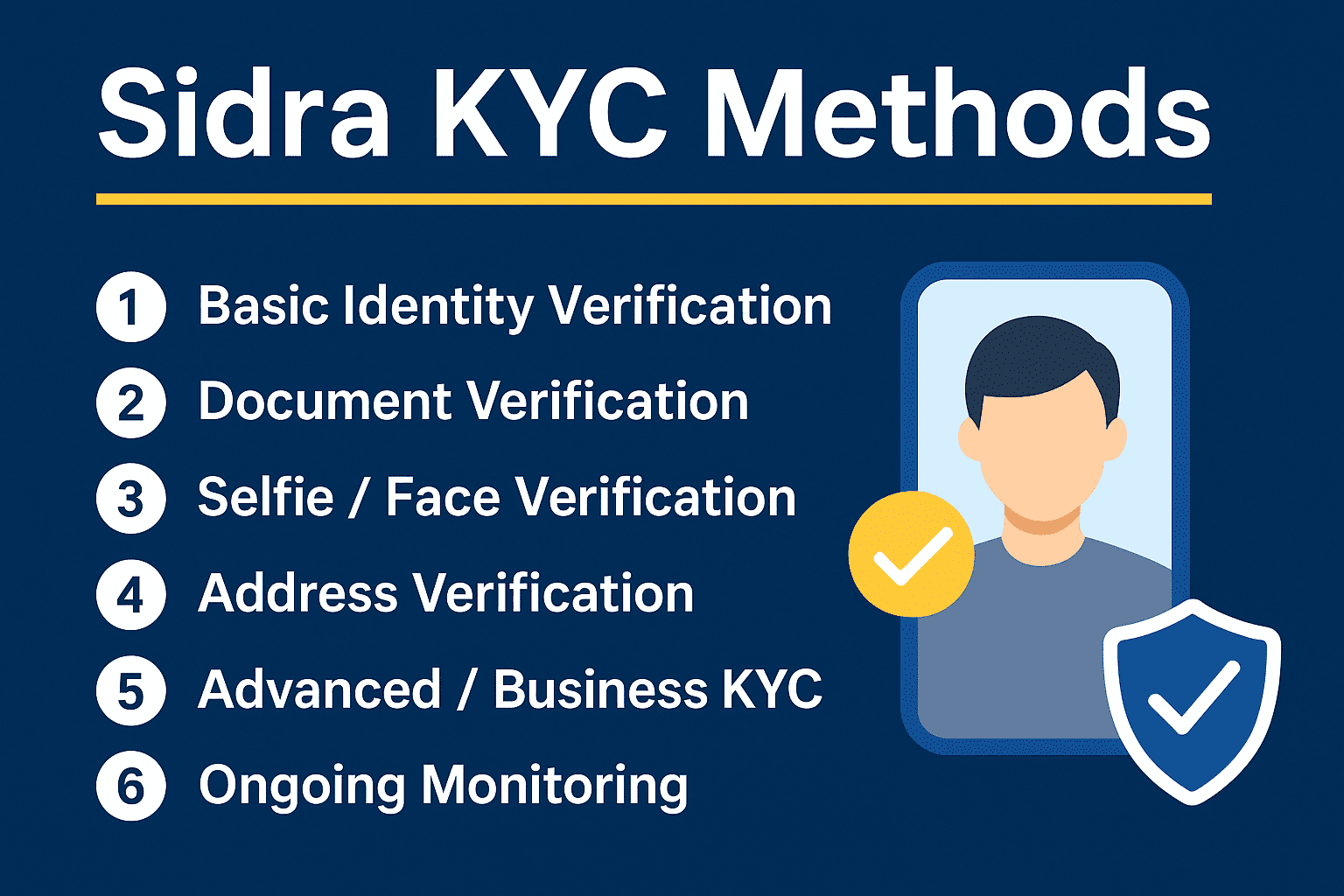
6. Complete KYC Verification
To activate your account, complete the Know Your Customer (KYC) process. You will need:
For Individuals or Starter Business
- BVN
- Valid ID
- NIN Slip
- National ID Card
- Driver’s License
- International Passport
- Passport photo
For Registered Businesses (CAC)
- CAC Registration Document (BN/RC/IT)
- Business Name Certificate
- TIN (optional)
- Business address
- Director’s valid ID
Once documents are approved, your merchant account becomes fully active.
7. Enable Payment Channels
Paystack provides multiple payment methods. You can activate:
- Card payments (Visa, Mastercard, Verve)
- Bank transfer payments
- USSD payments
- Apple Pay (where supported)
- Bank debit (Recurring billing)
These options make payments easier for your customers.
8. Integrate Paystack with Your Website (Optional)
If you have a website or e-commerce store, Paystack can be connected using:
- WordPress / WooCommerce
- Shopify
- Laravel
- PHP
- Node.js
- React
- APIs and webhooks
Integration keys are found under Settings → API Keys on your dashboard.
If you don’t have a website, don’t worry — Paystack still works perfectly using:
- Payment Pages
- Payment Links
- Invoices
9. Start Receiving Payments
After completing verification, you can now:
- Create checkout links
- Generate invoices
- Share payment pages
- Monitor transactions in real-time
Your Paystack Merchant Account is officially ready to use.
Requirements for Opening a Paystack Merchant Account
Below are the basic requirements:
✔ Email address
✔ Phone number
✔ Bank account
✔ BVN
✔ Government-issued ID
✔ CAC documents (if business is registered)
Paystack accepts both registered and unregistered businesses, making it easy for beginners to start.
Why Choose Paystack for Your Business?
Some key benefits include:
- Fast and secure payment processing
- Easy website integration
- Multiple payment methods
- Fraud protection
- Transparent pricing
- Real-time analytics
- Free business dashboard
Paystack is trusted by thousands of businesses across Africa.
Final Thoughts
Opening a Paystack Merchant Account is simple and takes less than 10 minutes. Whether you are a small entrepreneur or a fully registered company, Paystack provides every tool you need to receive payments online efficiently.
If you follow the steps in this guide, you can easily set up your account and start accepting customer payments immediately.