Samsung One UI 8.5 beta Review: What’s New and Worth Trying
On December 8, 2025, Samsung officially released the One UI 8.5 beta, the latest version of its Android-based Galaxy interface. This beta introduces new ways to create, connect, and stay secure, especially for Galaxy S25 series users in early release regions.
In this review, we’ll explore the major updates, improvements, benefits, and limitations of the beta version.
Key Features and Enhancements
1. Redesigned Quick Settings and Customizable Panels
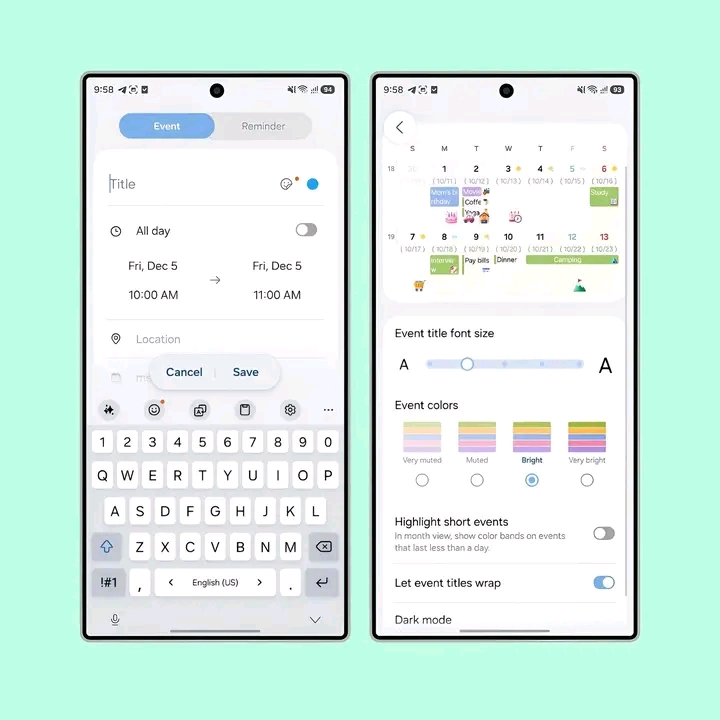
- Quick Settings panel is now fully customizable: sliders (brightness, volume) can be vertical, toggles can be rearranged, and the layout is cleaner overall.
- Users can now personalize their control center similar to other modern devices.
2. Native Apps Redesign
Core apps like Files, Settings, Camera, and Phone have been updated.
- Files app: categories now appear in a horizontal list.
- Camera app: advanced settings are easier to access.
- Lock screen is “smart” and adjusts clock/widgets automatically depending on wallpapers.
3. Enhanced Galaxy AI & Photo Assist
- Photo Assist allows you to edit images without saving multiple copies.
- Quick Share now suggests recipients based on recognized faces in photos for faster sharing.
4. Improved Cross-Device Connectivity
- Storage Share lets you access files from other Galaxy devices (phone, tablet, TV, PC).
- Audio Broadcast streams audio to compatible Auracast devices, ideal for group listening.
5. Security and Privacy Upgrades
- Failed Authentication Lock activates when multiple incorrect
- PIN/fingerprint/face attempts occur.
- Identity check now protects more settings in the system.
6. Cleaner UI and New Animations
- Less clutter in apps, simpler menus, updated 2D/flatter icons, especially in dark mode.
Pros and Cons of One UI 8.5 Beta
Pros
- Highly customizable interface.
- Photo Assist and Quick Share simplify photo editing and sharing.
- Great for multi-device users with Storage Share and Audio Broadcast.
- Enhanced security and privacy features.
Cons
- Currently limited to Galaxy S25, S25+, and S25 Ultra.
- Some camera modes like Dual Recording and Single Take are not available yet.
- Being a beta, occasional bugs or crashes are expected.
Should You Try One UI 8.5 Beta?
If you own a Galaxy S25 series phone and want to explore new features, AI tools, and improved cross-device sharing, the beta is worth trying.
However, if you rely heavily on your device for work or daily use, it’s safer to wait for the stable version to avoid potential issues.